10% off their first order
A private, single-use offer on a first Lactigo order of US$50 or more (CA$70 in Canada).

Your customers can now share Lactigo with the people they train with. Their friend gets 10% off a first order, and your customer earns a reward code once that order ships.
Status: live for customers.
A private, single-use offer on a first Lactigo order of US$50 or more (CA$70 in Canada).
CA$35 in Canada. Issued once the friend's order has shipped and cleared a 7-day review.
The friend's email has a button that builds their cart with the discount already applied.
The new customer is placed with the same Affiliate who sponsors the customer that referred them.
Everything happens in the customer's own account on shop.lactigo.com. There is nothing for them to set up.
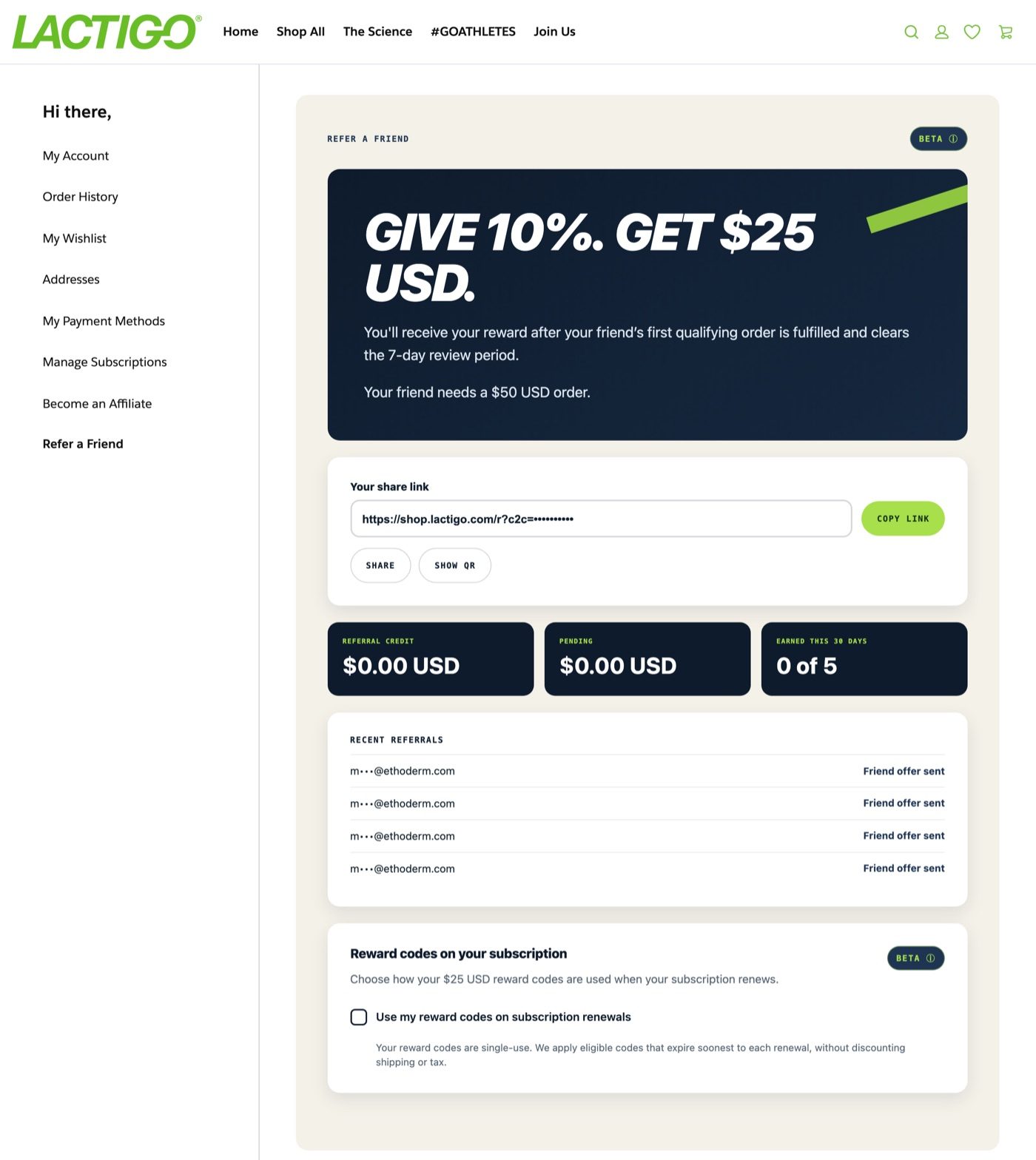
Signed in to their account, the customer opens Refer a Friend from the account menu. The page shows the offer, their personal share link, what they have earned, and how each friend is doing.
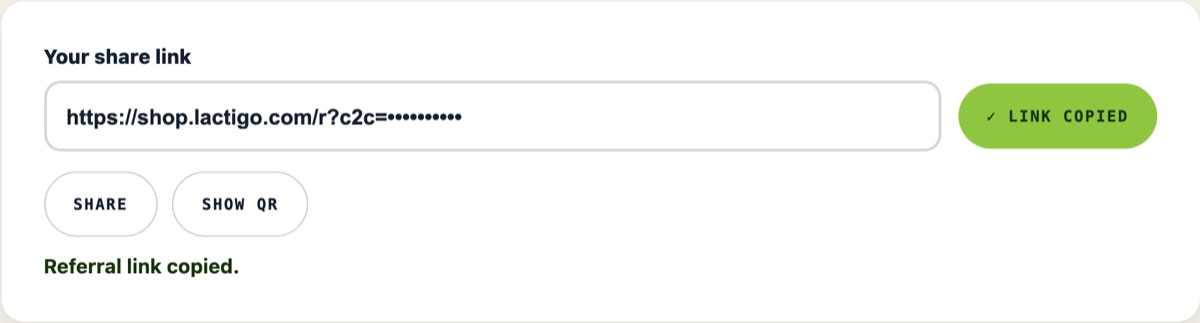
One tap on Copy link. The button changes to Link copied and a confirmation appears under it. Share opens the phone's own share sheet for texts and social apps.
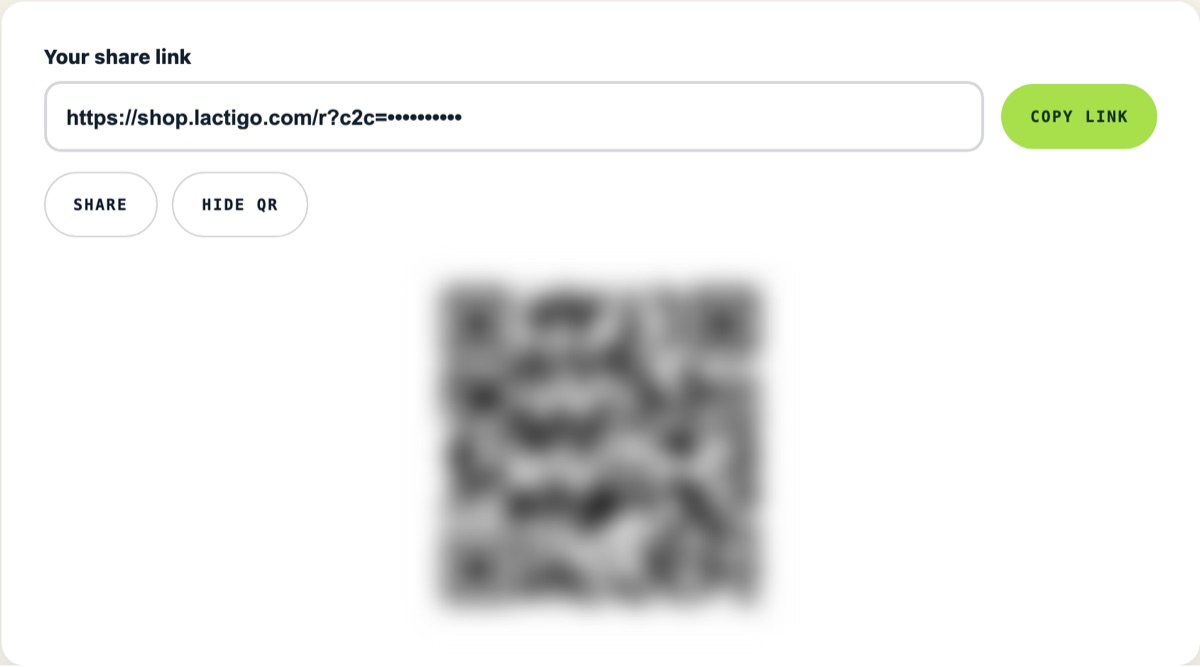
Show QR turns the same link into a QR code, handy at the gym, a race, or a class.
Most friends open the link on a phone, so these screens are shown that way.
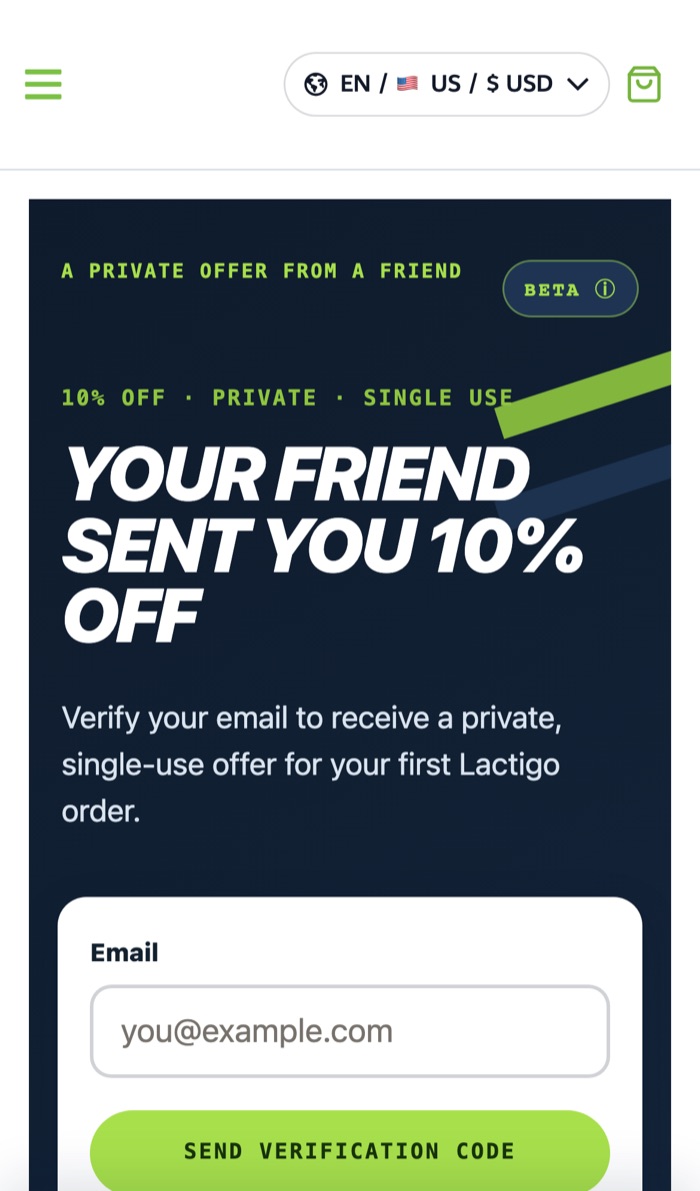
A private offer page. The only thing asked for is an email address.
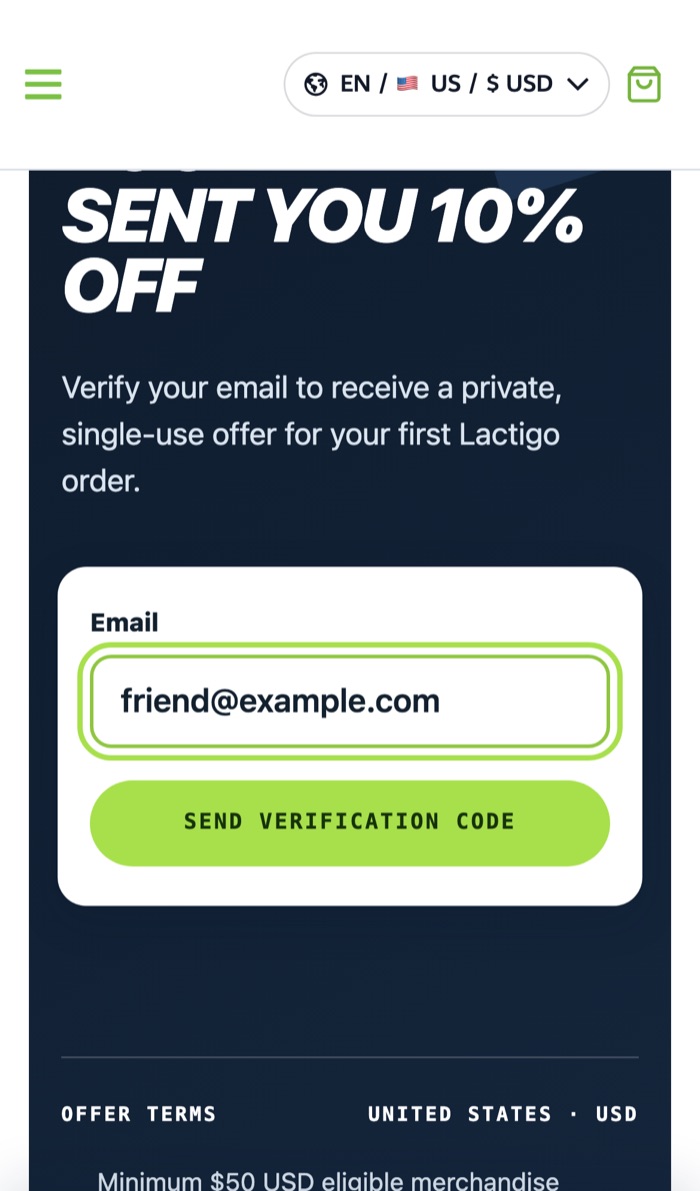
The friend types their email and taps Send verification code.
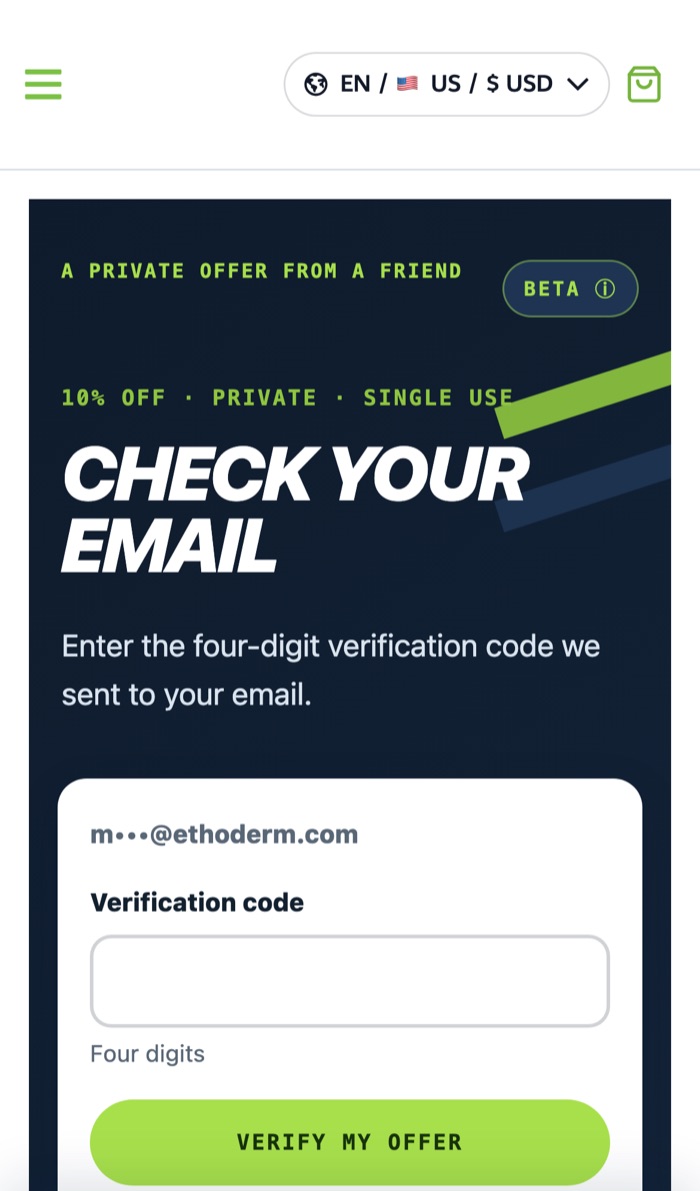
A four-digit code box is ready for anyone who prefers to type the code.
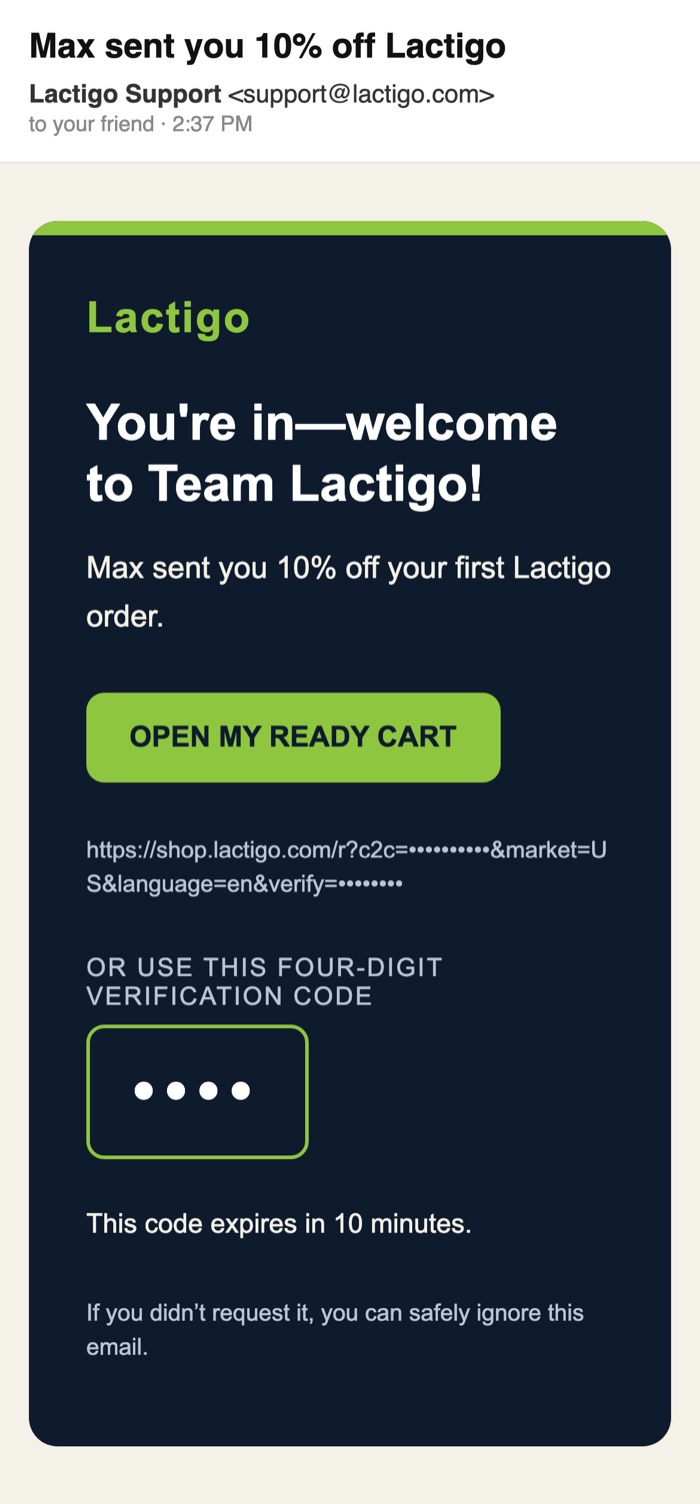
Sent from support@lactigo.com with the sharer's first name. The big button does everything; the code is the backup.
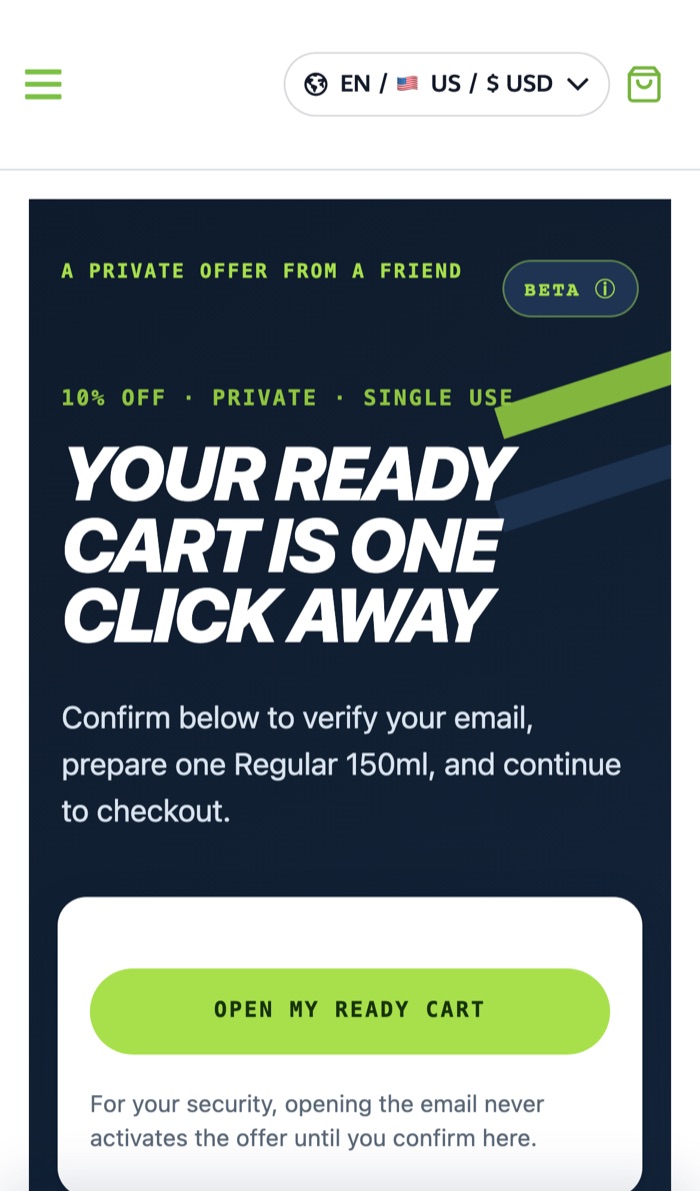
Opening the email never activates anything by itself. The friend taps Open my ready cart to confirm.
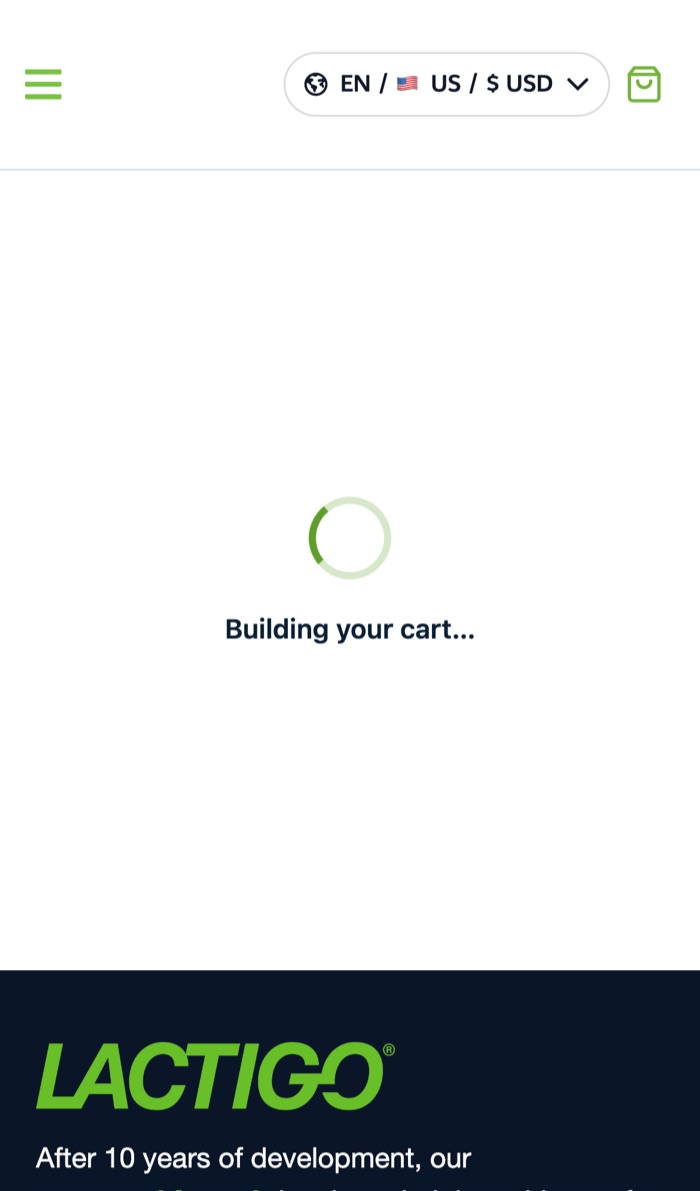
A Regular 150ml is added and the friend's private discount is applied. It takes a second or two.
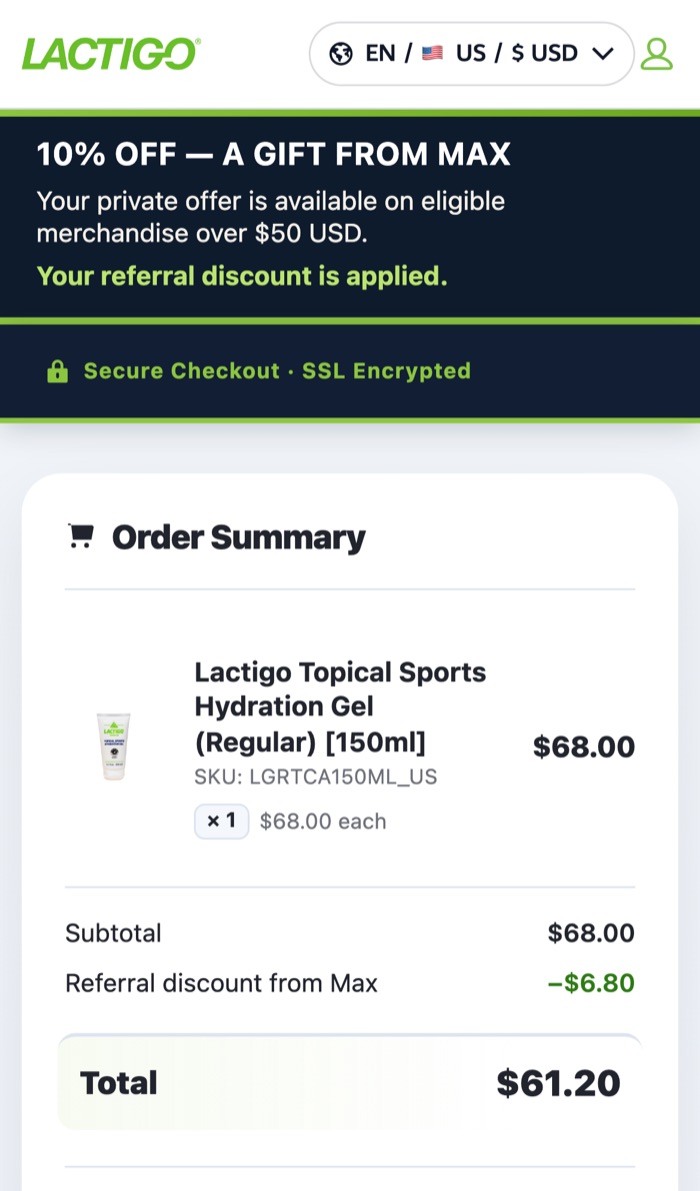
Checkout opens with the discount already showing: $68.00 becomes $61.20. The friend only adds their details and pays.
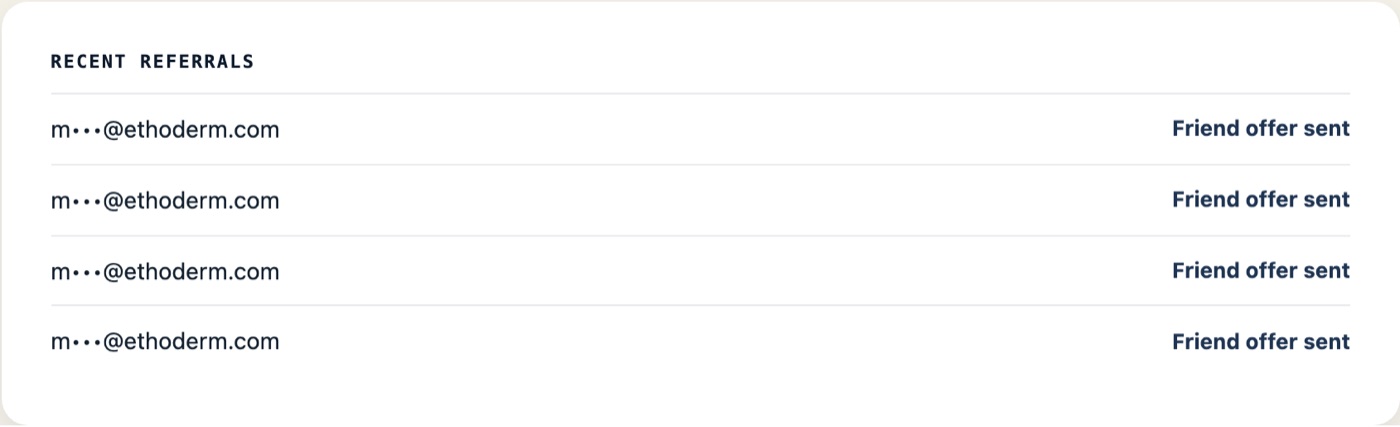
Each friend moves through these stages on the customer's page:
A friend can also show as Offer expired, Not eligible or Under review.
| United States | Canada | |
|---|---|---|
| Friend's discount | 10% off | 10% off |
| Friend's minimum order | US$50 of eligible merchandise | CA$70 of eligible merchandise |
| Reward to the customer who shared | US$25 discount code | CA$35 discount code |
| When the reward arrives | After the friend's order ships and clears a 7-day review | |
| Reward limit | Up to 5 rewards in any 30 days | |
| Reward code expiry | 3 months after it is issued; single use | |
A friend who orders through a customer's link is placed with the same sponsoring Affiliate as the customer who shared it, just like a customer who orders through that Affiliate directly.
Happy customers now have a simple, rewarded way to bring in the people they train with, without needing to become an Affiliate.
The home office now records which customer referred each new friend, so the most active customer advocates can be recognized.
Refer a Friend is a customer reward program. Rewards are discount codes for customers, not Affiliate compensation, and nothing on this page changes the Lactigo Compensation Plan or describes Affiliate earnings. Screens are from the live store during the Alpha; names are illustrative and links, codes and email addresses have been masked.